
Login Dashboard
KidInspectorKidInspector
PricingSupportFAQBlogDemo
DashboardLogin
  1. Home/
  2. Blog/
  3. Tag/
  4. How-to Guide

How-to Guide

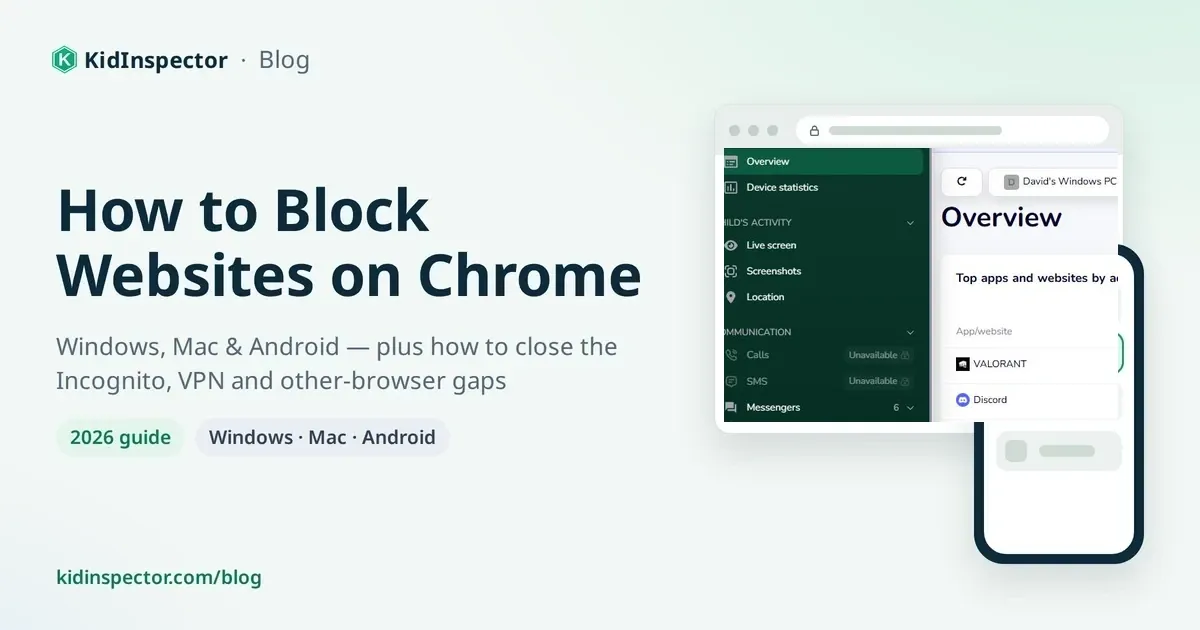
How to block websites on Chrome: cover with a browser showing a blocked page next to an Android phone
Blocking & SetupSeptember 28, 202612 min read

How to Block Websites on Chrome (Windows, Mac & Android)

Here's how to block websites on Chrome, platform by platform. On Windows or Mac, use a blocker extension, the hosts file, or Chrome's URLBlocklist policy. On Android, use Google Family Link or a family-safe Private DNS. Chrome has no built-in block button, so for kids, choose a method they can't easily undo.

Read more ›
KidInspectorKidInspector

Corporate address

FAMILYSHIELD TECHNOLOGIES, LLC
A Delaware limited liability company
Delaware File No. 10649742
2810 N Church St STE 88432
Wilmington DE 19802
USA
Phone: +1 (505) 306-8710

Policies

Privacy PolicyRefund PolicyTerms of UseEnd User License AgreementCookie Policy

Blog

How to Block Websites on Chrome (Windows, Mac & Android)All articles →

Support

Contact Us

Legal use notice.

KidInspector is intended for lawful parental control use only. By using the software, you confirm that you have the legal right to install it on the device and are responsible for complying with all applicable privacy, consent, and data protection laws.

© 2026 KidInspector. All trademarks are the property of their respective owners.