Is Telegram Safe? A Parent’s Guide to Risks and Settings
Is Telegram safe? It depends on who uses it. This guide covers how cloud chats and secret chats are encrypted, the main risks for adults and kids (scams, strangers, adult channels, sextortion), Telegram’s age rules, a privacy settings checklist and what parents can do without built-in parental controls.
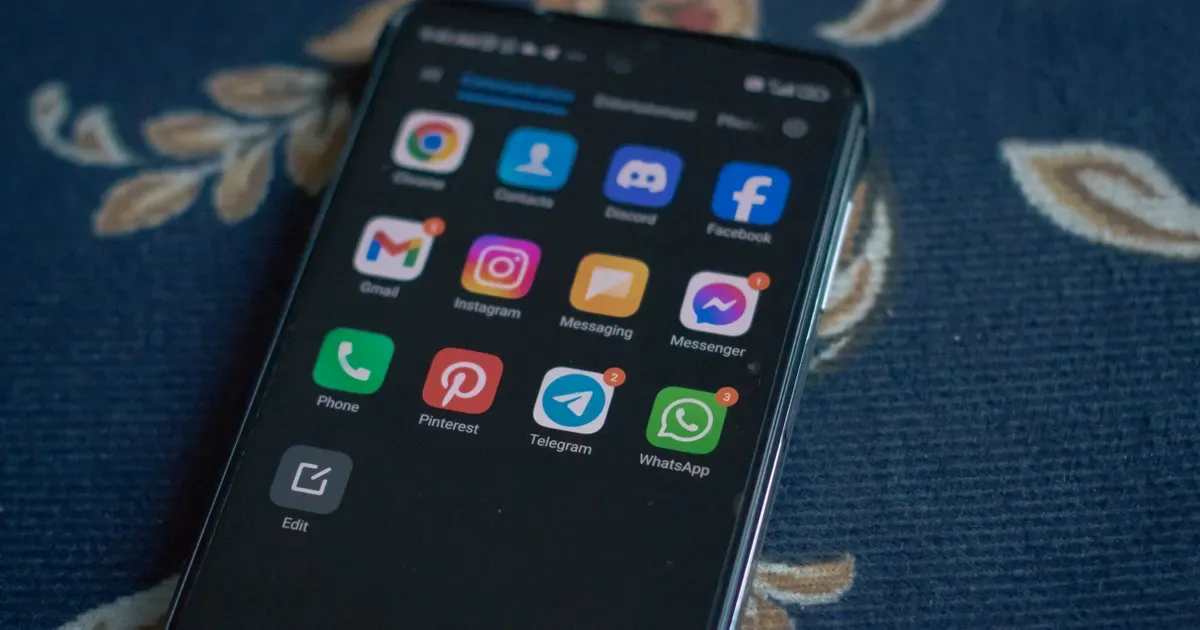
Telegram is one of the biggest messaging apps in the world, with more than a billion active users, and it’s known for its huge groups, public channels and bots. Whether it’s safe depends on who is using it: for an adult who knows the settings, it’s a reasonable messenger with some privacy gaps; for a child, it’s an open network where strangers, scams and adult content are a few taps away.
Below we explain how Telegram’s encryption really works, the main risks for everyone and for kids, what age Telegram requires, which settings to change first and what parents can do, since Telegram has no parental controls of its own.
Is Telegram safe? The short answer
- For adults: mostly yes, if you change a few defaults. Ordinary chats are encrypted between your device and Telegram’s servers but are not end-to-end encrypted, so use secret chats for sensitive conversations and protect your account with Two-Step Verification.
- For kids and younger teens: not without supervision. Anyone can find public channels and groups, and strangers can message your child or, unless the settings are changed, add them to groups. Adult content is hidden only behind a setting your child can switch on.
- Age: in the EU, the UK and Australia, Telegram’s own terms require users to be at least 18. In the US, the App Store rates it 13+ and Google Play rates it Mature 17+.
How Telegram works: cloud chats vs secret chats
This part is easy to misunderstand. Telegram has two kinds of chats, and only one of them is end-to-end encrypted.
- Cloud chats include all normal private chats and all groups. According to Telegram’s FAQ, they use server-client encryption and are stored encrypted in the Telegram Cloud, so you can open them on any of your devices. Because the encryption runs only between your device and Telegram’s servers, they are not end-to-end encrypted.
- Secret chats use end-to-end encryption: only you and the other person can read the messages. They are one-on-one only and work only on the device where they were started. Their messages can’t be forwarded and can disappear on a self-destruct timer. Telegram also tries to notify you when the other person takes a screenshot, but says this can’t be detected reliably on every system.
- Voice and video calls, including group calls, are end-to-end encrypted.
Secret chats are not on by default. To start one, open the person’s profile, tap the three dots and choose Start Secret Chat. Secret chats are only for two people, so groups and channels can’t use them.
Telegram has also changed how it works with law enforcement. Its privacy policy now says that if a valid order from judicial authorities confirms a user is a suspect in a criminal case, Telegram may disclose that user’s IP address and phone number to the authorities, and it lists such disclosures in a quarterly transparency report. The change came after founder Pavel Durov was charged in France over illegal activity on the platform; he denies the charges, and the investigation is ongoing.
Telegram risks for everyone
Scams and fake investment groups
The FBI warns that crypto-investment scammers move victims to apps like WhatsApp or Telegram and invite them into chat groups. The US Commodity Futures Trading Commission notes that scammers add random or targeted phone numbers to Telegram chats to push crypto pump-and-dump and “risk-free” schemes. Treat any investment group that a stranger adds you to as a red flag.
Impersonation
Scammers pose as friends, brands and even officials. The FBI has warned about scammers posing as FBI and IC3 staff who contact victims via Telegram, and it states that it does not recover funds through Telegram or similar platforms. If someone impersonates you, Telegram’s FAQ tells you to report it to @NoToScam.
Account takeover through login codes
One way to lose a Telegram account is to type or forward the login code to someone else, for example on a fake voucher page, a scheme Singapore police have warned about. Telegram says login codes should never be shared with anyone. Hijacked accounts can then be used to spread phishing links and invitations to investment-scam groups.
Malicious bots and mini apps
Bots and mini apps run inside Telegram and can look trustworthy. Security researchers have found fake crypto, finance and AI platforms built as bots and mini apps that show invented “earnings” and then ask for deposits, and some push Android APK files that impersonate known brands. Don’t install apps from links sent in Telegram.
Your phone number
Telegram accounts are tied to a phone number. By default, your number is visible only to people you have saved in your own contacts. A separate setting, “Who can find me by my number,” decides whether people who have your number can find your account. The checklist below covers both.
Telegram risks for kids and teens
- Adult content in public channels. Telegram’s terms ban illegal pornographic content in public spaces, but legal adult content is not banned outright. It’s hidden behind a setting called Show 18+ Content, and age verification is required only where local law demands it, such as in the UK.
- Strangers and groups. Global search makes it easy to find and join large public groups. People outside your child’s contacts can message them and, unless the settings are changed, add them to groups.
- “Nudify” bots. Journalists at WIRED found at least 50 Telegram bots that claim to create explicit fake images of real people from ordinary photos, with millions of monthly users combined. An ordinary photo of your child could be misused this way.
- Grooming and sextortion. US federal cases show offenders using Telegram to contact children and to sell child sexual abuse material. In one, a man was sentenced to 15 years in prison after starting a conversation with a 14-year-old girl on Telegram and paying for sexual images. The FBI says the violent online network known as 764, which coerces minors into sending explicit images and harming themselves, started on Discord and moved to platforms including Roblox and Telegram.
- Harmful communities. Extremist groups and illegal marketplaces use Telegram too. The US State Department has designated the “Terrorgram Collective,” which operates mainly on Telegram, as a terrorist group.
Telegram does moderate. It works with child-protection organizations such as the Internet Watch Foundation (IWF) and NCMEC, uses the IWF’s image hash lists to detect known child sexual abuse images in public parts of the app, and publishes daily removal reports. But moderation depends on user reports and automated checks, and it won’t tell you who is messaging your child.
Telegram age requirements
| Where | Age | What it means |
|---|---|---|
| Telegram Terms of Service | 18+ in the EU, UK and Australia | Users there must be at least 18 to sign up. The terms set no minimum age for the US or other countries. |
| Apple App Store (US) | 13+ | With an App Store age limit of 13+ or higher, Screen Time allows Telegram. |
| Google Play (US) | Mature 17+ | A Google Play content filter set below Mature 17+ in Family Link should stop new installs from Play. |
According to a parents’ guide from Internet Matters, Telegram’s sign-up doesn’t ask for your age or verify it, so in practice little stops a younger child from creating an account with a phone number.
Telegram privacy and safety settings checklist
Most settings are in Settings › Privacy and Security. Go through them on your child’s phone together, and on your own.
| Setting | Where | Recommended |
|---|---|---|
| Phone Number | Privacy and Security › Phone Number | Show it to no one, and under “Who can find me by my number” allow only your contacts |
| Groups & Channels | Privacy and Security › Groups & Channels | “Who can add me?”: only your contacts |
| Calls | Privacy and Security › Calls | Only your contacts; turn off Peer-to-Peer (iPhone: Never) to avoid revealing your IP address |
| Last Seen & Online, Profile Photos, Forwarded Messages | Privacy and Security | Only your contacts |
| New chats from unknown users | Privacy and Security (iPhone) | Turn on Archive and Mute, if your version shows it |
| Two-Step Verification | Privacy and Security › Two-Step Verification | On, with a strong password |
| Passcode Lock | Privacy and Security › Passcode Lock (iPhone: Passcode & Face ID or Passcode & Touch ID) | On, with auto-lock |
| Devices | Settings › Devices | Terminate any session you don’t recognize |
| Show 18+ Content | Android: Chat Settings · iPhone: Data and Storage | Off |
Two more habits matter as much as the settings: never share a login code, and use Block User and Report on anyone who sends something inappropriate. To report a message, tap it on Android or press and hold it on iPhone, then choose Report.
Does Telegram have parental controls?
No. Telegram has no built-in parental controls, no supervised accounts and no teen mode, and its FAQ and safety pages have no guidance for parents. What you can do instead:
- Talk first. Ask why your child wants Telegram: a school group, a gaming community, a creator’s channel. Agree which groups are fine and what to do if a stranger writes.
- Lock down the settings from the checklist above, together with your child.
- Use the phone’s own controls. On Android, Google Family Link lets you block Telegram or set a time limit for it, and a Google Play filter below Mature 17+ should stop new installs. On iPhone, Screen Time can block the app, and an App Store age limit below 13+ should keep your child from downloading Telegram without your approval.
- Know what’s on the phone. Telegram is easy to hide in a folder or a second space, so check the app list from time to time; here’s how to find hidden apps on Android.
- Watch the time, not just the app. Late-night activity in a messenger can be an early sign that something is wrong. You can check screen time on Android for each app.
If you want more than the built-in tools, KidInspector shows how long your child spends in Telegram on an Android phone, with screenshots so you can understand the context, and it can block Telegram as an app on Android and Mac, or block web.telegram.org as a website. It works on the child’s own device, so tell your child it’s there. If you only want to block apps, see our comparison of the best app blockers for Android.
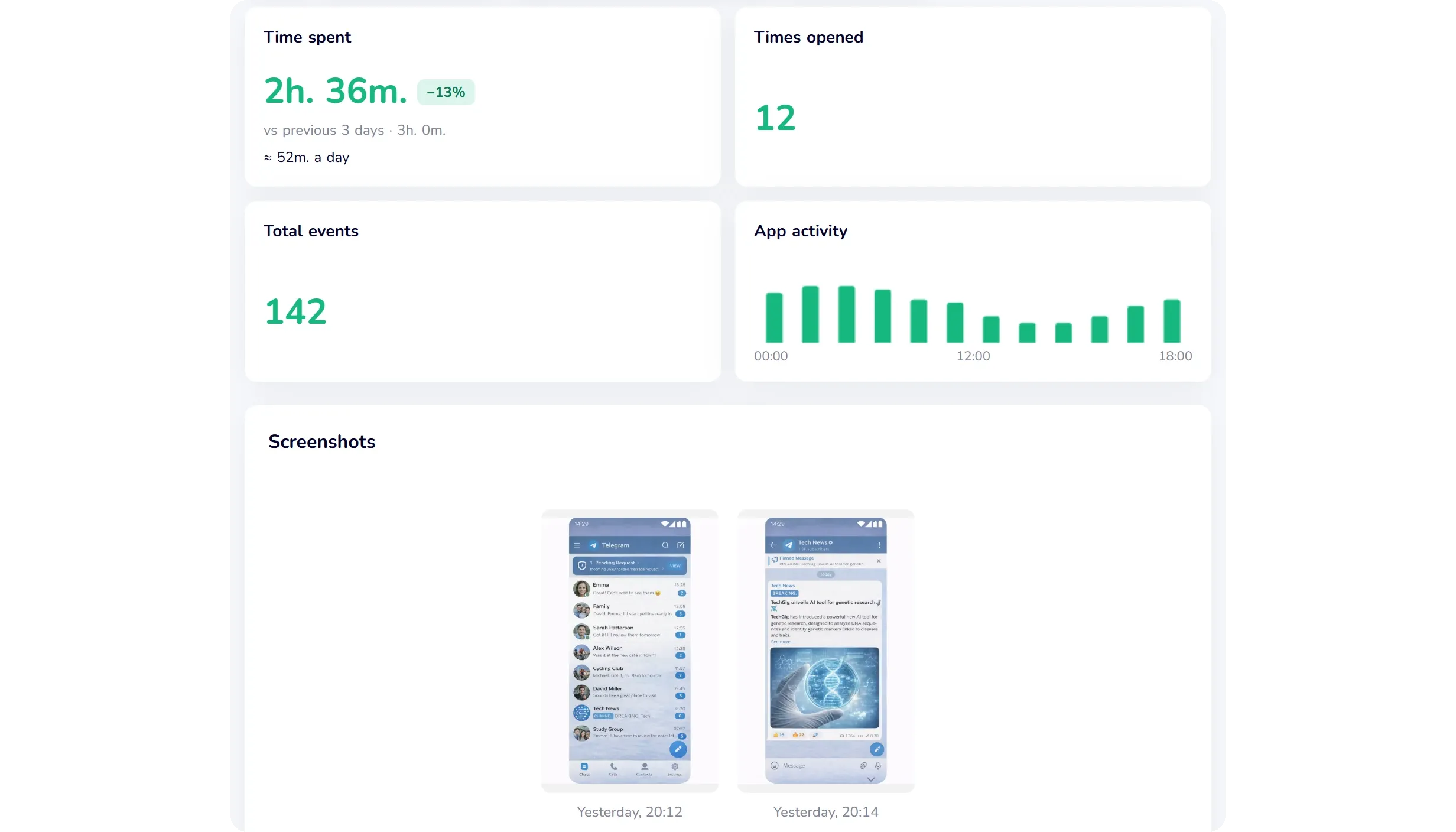
See how much time your child spends in Telegram and other messengers.
App time and screenshots from your child’s Android phone and computer · Demo opens without sign-up
FAQ
Not on its own. Telegram has no parental controls, no age check at sign-up and easy access to public groups, channels and bots. If your teen uses it, change the privacy settings together, keep Show 18+ Content off and agree on what to do if a stranger gets in touch.
Telegram’s terms require users in the EU, the UK and Australia to be at least 18. In the US, the App Store rates it 13+ and Google Play rates it Mature 17+.
Only secret chats and calls. Normal private chats and all groups are cloud chats: encrypted between your device and Telegram’s servers and stored in Telegram’s cloud, but not end-to-end encrypted.
By default, only people you have saved in your own contacts can see it. In Privacy and Security › Phone Number you can hide it from everyone and limit who can find you by your number to your contacts.
Yes, and it doesn’t take technical hacking: scammers can take over an account by tricking you into sharing the login code. Never share it, report codes you didn’t request, turn on Two-Step Verification and check Settings › Devices for sessions you don’t recognize.
No. Use the phone’s controls instead: Google Family Link on Android to block or limit the app, or Screen Time on iPhone to block it, plus the privacy settings above. A parental control app can show how much time your child spends in Telegram.
Set up parental controls on your child’s devices.
Website and app blocking, screen time and screenshots in one dashboard · Creating an account is free