
How to Check Screen Time on Android (Samsung, Pixel, Xiaomi)
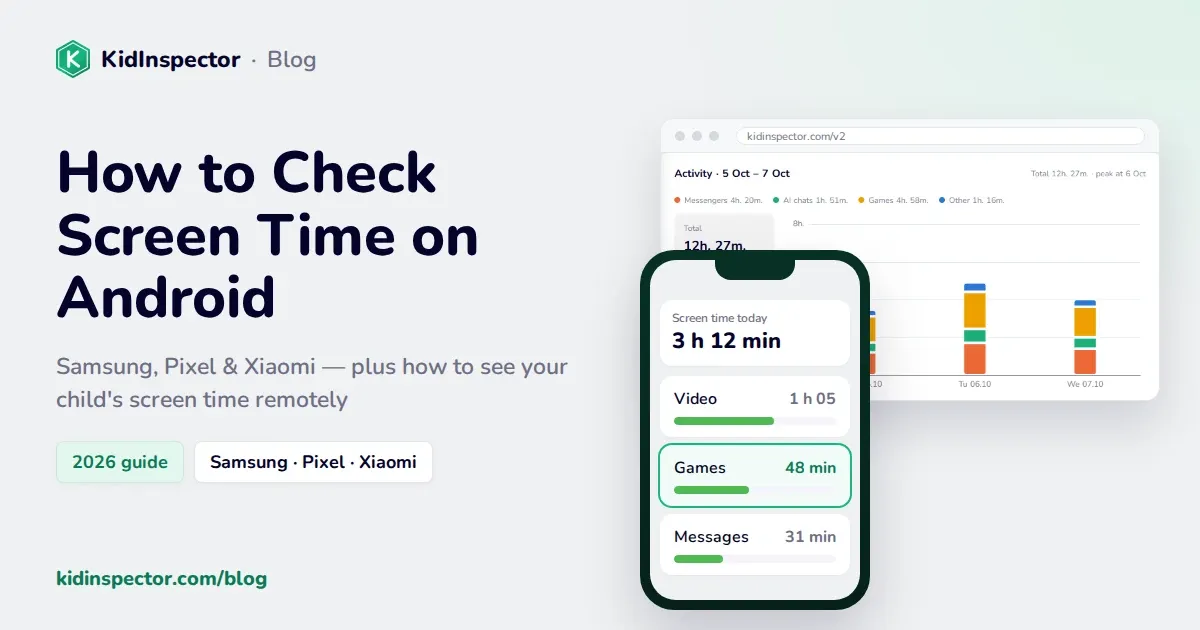
To check screen time on Android, open Settings and tap Digital Wellbeing & parental controls (on Samsung it's Digital Wellbeing and parental controls). The dashboard shows today's screen time, a breakdown by app, how often the phone was unlocked and how many notifications came in. Tap the chart to see earlier days.
Read more